Objectives
- Configure Google Cloud to connect with SeedMetrics.
- Write SeedMetrics ETL outputs to BigQuery
Before you begin
Before you connect SeedMetrics to BigQuery, complete the following steps:
- Enable the BigQuery Storage API.
- Create a service account for SeedMetrics.
- Create a Private Key for the service account
- Create a Cloud Storage bucket for temporary storage.
Enable the BigQuery Storage API
The BigQuery Storage API is enabled by default for any new projects where BigQuery is used. For existing projects that don't have the API enabled, follow these instructions:
-
In the Google Cloud console, go to the BigQuery Storage API page.
<aside>
<img src="notion://custom_emoji/e7f6770b-2b5d-4aa1-90a5-0b9549a1750a/23a8c163-b7cb-80d4-bf31-007a3d92f578" alt="notion://custom_emoji/e7f6770b-2b5d-4aa1-90a5-0b9549a1750a/23a8c163-b7cb-80d4-bf31-007a3d92f578" width="40px" />
Go to BigQuery Storage API
</aside>
-
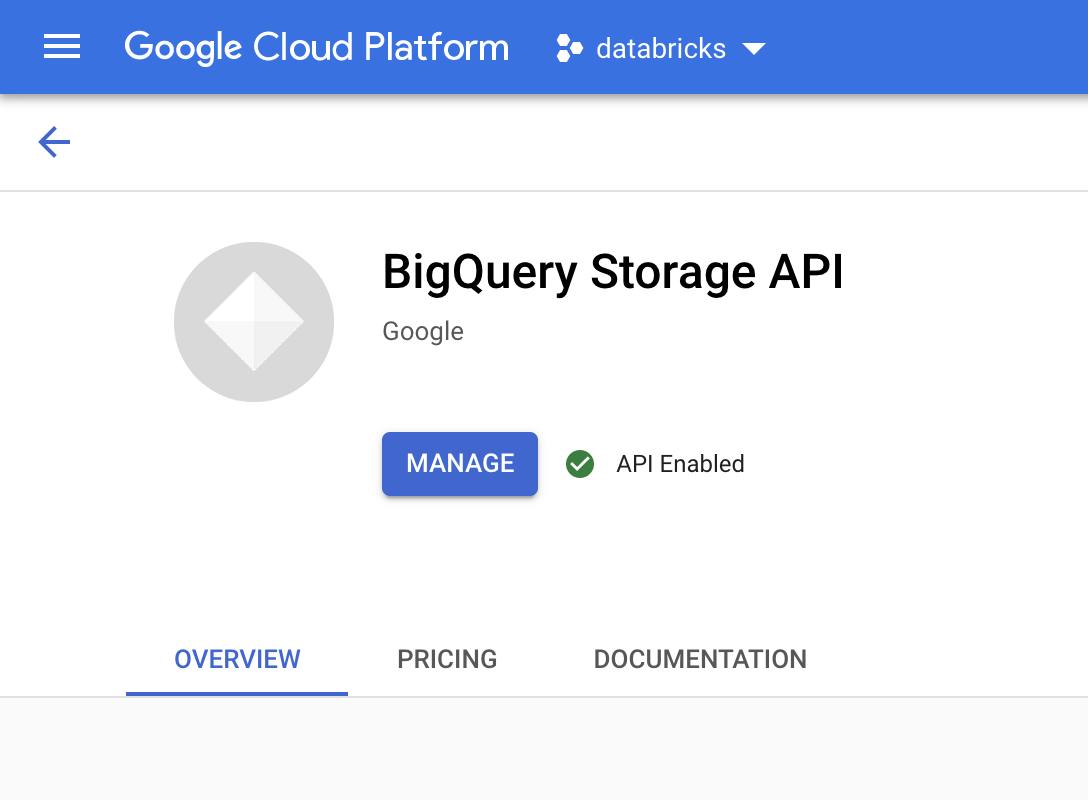
Confirm that the BigQuery Storage API is enabled.
Create a service account for SeedMetrics
Next, create an Identity and Access Management (IAM) service account to allow SeedMetrics to write data to BigQuery. We recommend that you give this service account the least privileges needed to perform its tasks. See BigQuery Roles and Permissions.
-
In the Google Cloud console, go to the Service Accounts page.
<aside>
<img src="notion://custom_emoji/e7f6770b-2b5d-4aa1-90a5-0b9549a1750a/23a8c163-b7cb-80d4-bf31-007a3d92f578" alt="notion://custom_emoji/e7f6770b-2b5d-4aa1-90a5-0b9549a1750a/23a8c163-b7cb-80d4-bf31-007a3d92f578" width="40px" />
Go to Service Accounts
</aside>
-
Click Create service account, name the service account seedmetrics-bigquery, enter a brief description such as Service Account to write SeedMetrics ETL output to BigQuery, and then click Create and continue.

-
Record the email address (ie the Service account ID) of your new service account for reference in future steps.
-
Under Grant this service account access to project, grant the following roles, giving SeedMetrics permission to write data:
-
BigQuery Job User
-
BigQuery Data Editor
